All-in-one AI video editing platform for desktop, web, and mobile.
freemium
Try CapCut
Create professional AI-powered videos from a simple text prompt in minutes.
monthly
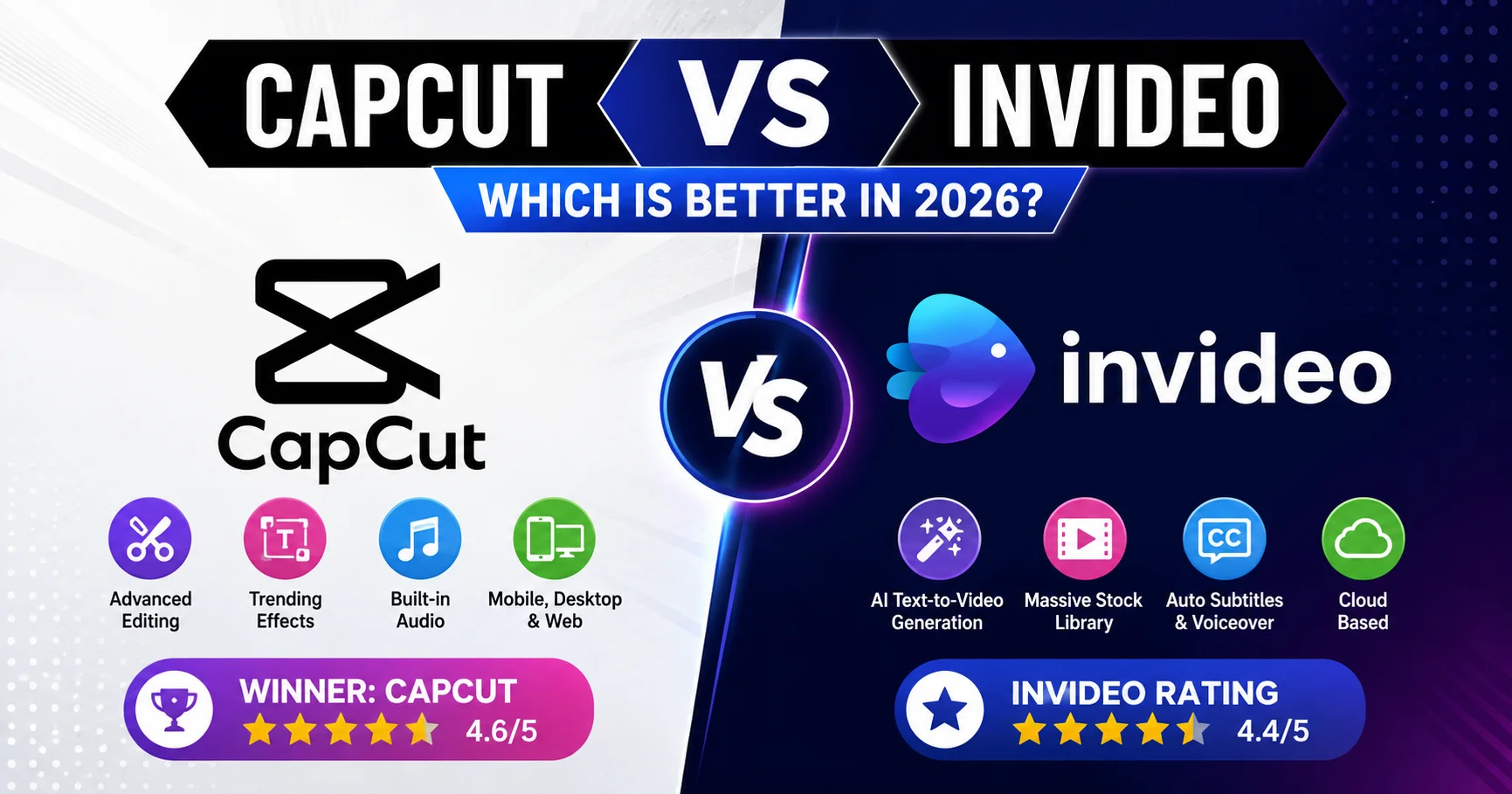
Try InVideoCapCut and InVideo serve two distinct approaches to video creation. CapCut focuses on clip-level control, trending audio, keyframe animations, and seamless vertical video editing for platforms like TikTok and Instagram Reels. In contrast, InVideo focuses on automated generation, allowing users to convert scripts, blogs, or text prompts into fully produced videos complete with voiceovers, stock footage, and subtitles.
| Feature | CapCut | InVideo | Edge |
|---|---|---|---|
| Core Workflow | Timeline & clip editing | AI prompt-to-video generation | |
| Platform Availability | Mobile, Desktop, Web | Cloud / Web-based | CapCut |
| Stock Media Library | Built-in effects & audio | Massive stock photo/video access | InVideo |
| Ease of Learning | Beginner to Intermediate | Extremely Low (Prompt-based) | InVideo |
| Pricing / Value | Generous free tier | Subscription / Credit-based | CapCut |
CapCut wins overall for its superior manual editing control, robust free features, and cross-platform flexibility, though InVideo is the better pick for rapid, text-prompt-based AI video creation.
Choose CapCut if you need precise control over video cuts, visual effects, and platform trends across mobile and desktop. Opt for InVideo if you want an AI co-pilot that turns scripts or text ideas into published videos with minimal manual editing required.
We use tracking cookies from our retail partners so we can secure exclusive discounts and verify your cash back/deals. By accepting, you help keep this service free! Privacy Policy